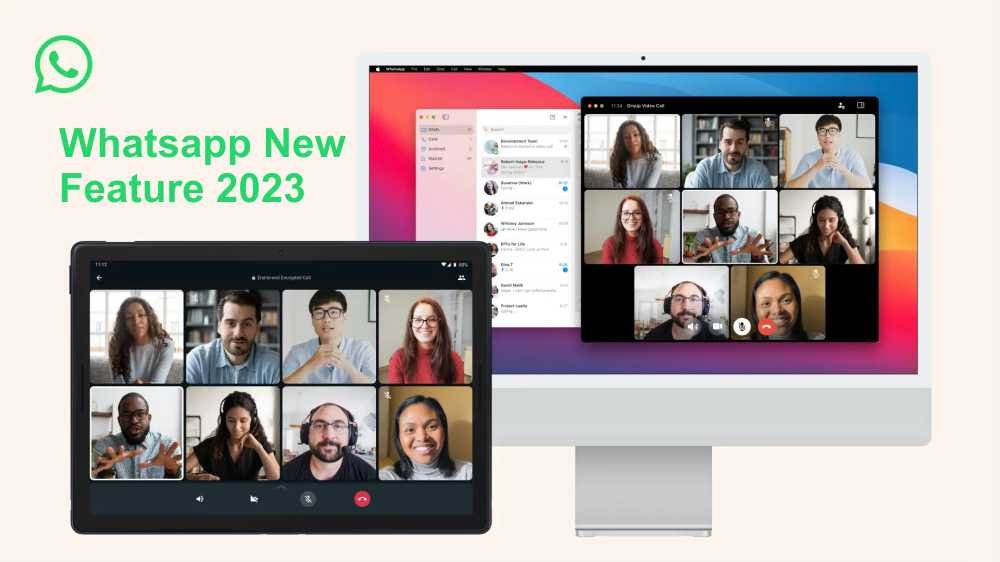
Whatsapp New Feature: Whatsapp has launched a new Windows feature on 23 March 2026. After the introduction of this feature, you can make video calls and audio calls from your desktop or laptop. WhatsApp constantly adds features for its users. Please read more about this new update.
Whatsapp New Windows Update 2026
This new update launched by Whatsapp allows multiple video calling. Users can talk to 8 people simultaneously on a video call from the Windows desktop app. The company stated that it will increase the number of users who can talk simultaneously in the future. Additionally, the audio call feature allows 32 people to talk to each other at the same time. This number may also increase in the future.
For more details, read our guide to Latest Whatsapp Updates And.
Click For –List of Top 5 Social Media to Help Your Businesses
What else has WhatsApp modified?
- Performance has improved significantly in this new update.
- The update enhances calling quality more than ever.
- This new version also updates the feature for syncing multiple devices.
- With this feature, you can log in to the same account on multiple devices.

Whatsapp and who can bring updates in future
- You will be able to search any old message by applying a date filter.
- A screen lock option may also be provided for the desktop app.
- The option to pin more than one chat could be available.
- For the desktop version, you may find the option to keep more than one chat open.
- In the coming time, you will also be able to schedule your calls, ensuring no important tasks are overlooked.
- To retain deleted messages, the option of ‘Kept Message’ may be introduced.
The Last Point
Whatsapp constantly brings updates to improve the user experience. This new feature is just one example of their commitment. Very soon, you will see some incredible updates coming your way.
For more details, read our guide to Iphone Launch Things Know.
FAQ’s
Suggested Whatsapp Resources
- How to Avoid Common Problems and Create a Truly SEO-Friendly Blog Post
- Latest WhatsApp Updates and Features You Need to Know
- What Are High and Low Competition Keywords in SEO?
- Now Text can Edit Images: PlaygroundAI
- Image Convert To WebP
- How to Improve SEO For E-commerce?
- How to Revive an Old Blog Article For SEO
- What are The Benefits of Yoast SEO plugin
- WordPress
In Chrome, how do I update WhatsApp web?
Step 1: Chrome should be updated. Step 2: Select Settings from the three dots in the top-right corner. Step 3: At the bottom of the left menu, select About Chrome. Step 4: Step 4: Install any available updates. Step 5: Launch WhatsApp Web in a new window to see if the issue has been resolved.
New Updates- You will be able to make video and audio calls from your desktop or laptop after the addition of this feature.
For more details, read our guide to Trump And Putin Alaska.




Leave a Comment