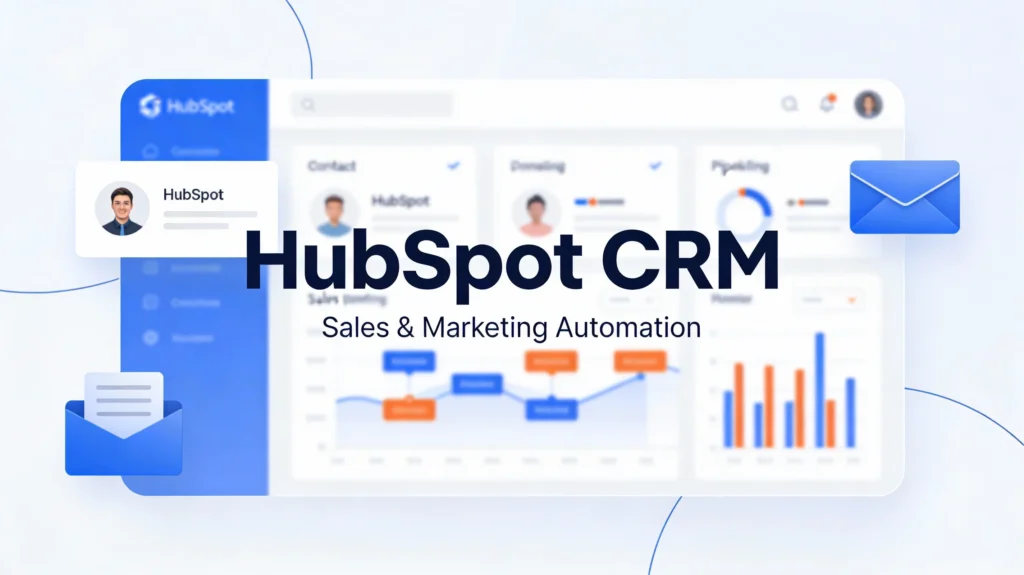
Are you struggling to manage customer relationships effectively? HubSpot CRM is transforming how businesses handle sales, marketing, and customer interactions. This powerful CRM platform combines Google-level analytics with seamless sales tools to help your business grow. Moreover, HubSpot offers free CRM features that make it accessible for businesses of all sizes. In this comprehensive guide, you’ll discover why HubSpot CRM has become the go-to solution for over 258,000 companies worldwide and how it can revolutionize your sales and marketing efforts.
What is HubSpot CRM and Why Does It Matter?
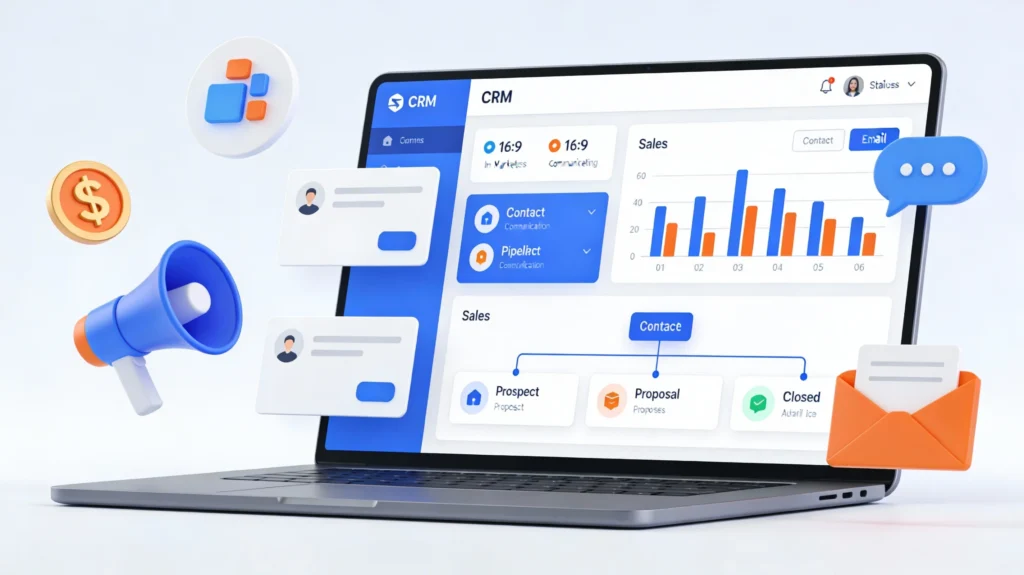
HubSpot CRM is an all-in-one customer relationship management platform designed specifically for sales teams and marketing professionals. Essentially, this CRM software centralizes all your customer data, sales activities, and marketing campaigns in one intuitive dashboard.
Furthermore, HubSpot CRM goes beyond traditional CRM systems by integrating sales, marketing, and service tools seamlessly. Therefore, your teams can collaborate effectively and access complete customer information instantly.
The platform offers unlimited contact storage, automated email tracking, and powerful sales pipeline management. Additionally, HubSpot provides built-in marketing automation features that help you nurture leads and close more deals efficiently.
Key Benefits of HubSpot CRM:
- Free forever plan with essential CRM features
- Unlimited contact and company records
- Seamless Google and Outlook integration
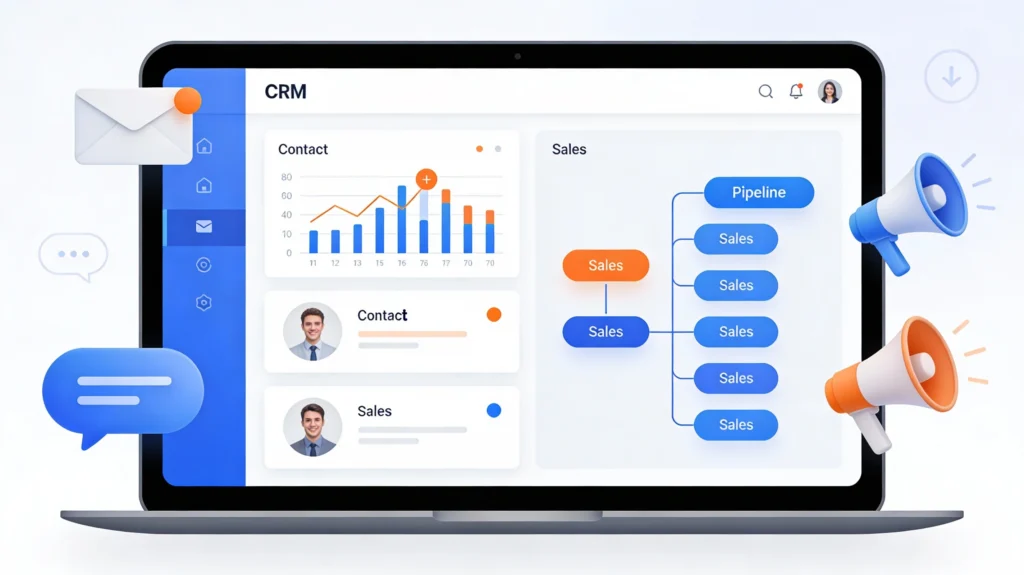
- Real-time sales pipeline visualization
- Built-in marketing automation tools
- Advanced analytics and reporting capabilities
HubSpot is a tool which can be used for CRM, sales ,marketing ,together and distinctively.
Why Businesses Choose HubSpot CRM for Sales and Marketing
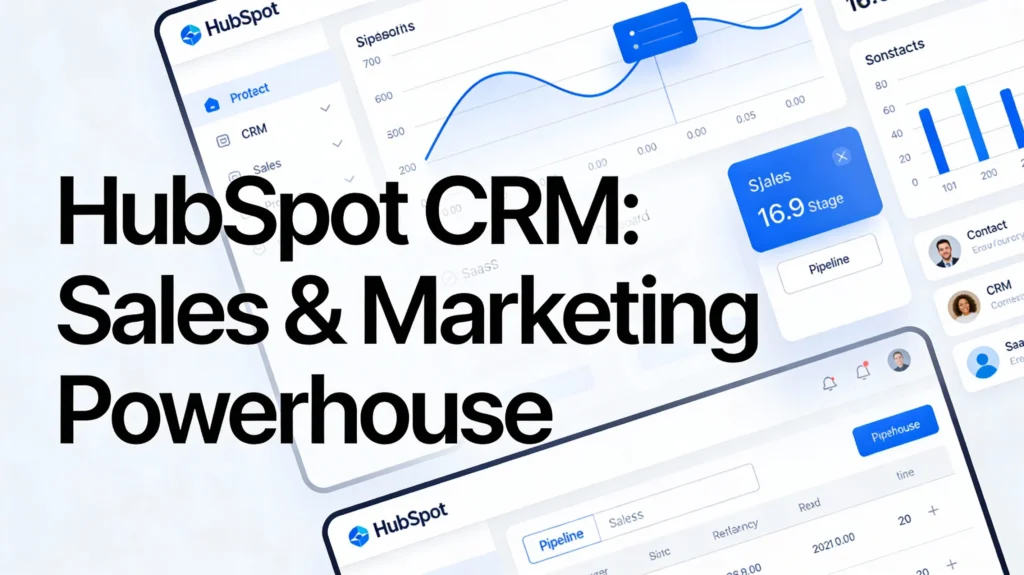
Complete Sales Pipeline Management
HubSpot CRM revolutionizes how sales teams manage their pipelines. Consequently, your sales representatives can track deals from initial contact to final closure effortlessly.
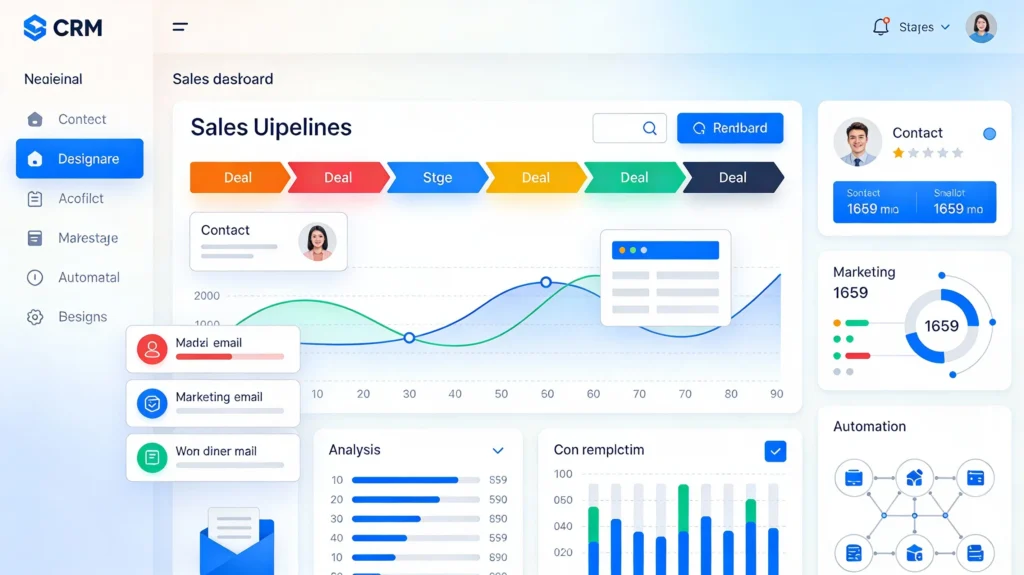
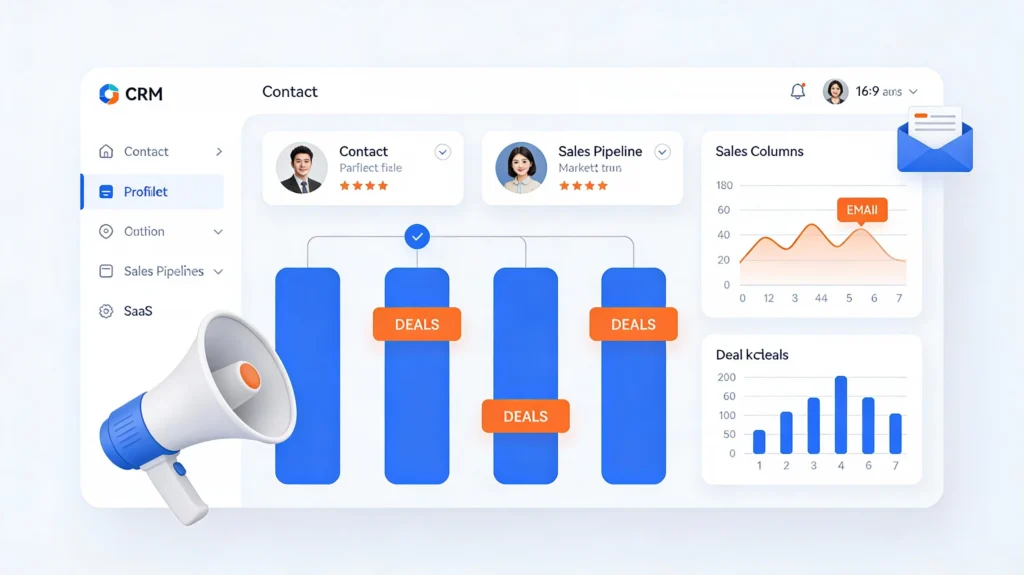
The visual pipeline dashboard displays every opportunity clearly. Moreover, you can customize deal stages to match your unique sales process perfectly. Thus, your team stays organized and focused on high-priority opportunities.
Sales managers gain complete visibility into team performance through HubSpot’s intuitive reporting tools. Additionally, the CRM automatically logs all customer interactions, including emails, calls, and meetings.
Powerful Marketing Automation Features
Marketing teams benefit tremendously from HubSpot’s integrated marketing tools. Specifically, you can create automated email sequences that nurture leads effectively without manual intervention.
The CRM tracks every marketing touchpoint automatically. Furthermore, you’ll understand which marketing campaigns generate the best results for your business. Therefore, you can optimize your marketing budget and focus on high-performing channels.
HubSpot’s marketing hub integrates seamlessly with the CRM database. Consequently, your marketing and sales teams share complete customer information effortlessly.
Marketing Capabilities Include:
- Email marketing with A/B testing
- Landing page builder with templates
- Social media scheduling and monitoring
- Blog content management system
- SEO recommendations and tools
- Marketing analytics dashboards
Core Features That Make HubSpot CRM Stand Out
Contact Management and Data Organization
HubSpot CRM stores unlimited contacts and companies without artificial restrictions. Subsequently, you can manage your entire customer database regardless of size.
Each contact record displays a complete activity timeline automatically. Moreover, the system enriches contact information with publicly available data from Google and other sources.
You can segment contacts into targeted lists based on behavior, demographics, or engagement level. Thus, your sales and marketing teams can personalize their outreach effectively.
The CRM automatically logs email correspondence when you connect Gmail or Outlook. Additionally, you can manually record SMS messages, LinkedIn interactions, and WhatsApp conversations.
Deal and Lead Tracking Systems
Unlike most CRM platforms, HubSpot separates lead management from deal tracking distinctly. Therefore, you maintain better organization throughout your sales process.
Leads originate from contact records and represent potential opportunities. Meanwhile, deals track actual sales opportunities progressing through your pipeline.
Sales representatives can customize deal properties to capture essential information relevant to their industry. Furthermore, the drag-and-drop interface makes pipeline management incredibly intuitive.
HubSpot’s Breeze AI assistant provides intelligent contact summaries and answers questions about customer history. Consequently, your team accesses crucial information instantly during sales conversations.
Email Tracking and Communication Tools
HubSpot CRM transforms how sales teams handle email communication effectively. Specifically, you can send tracked emails directly from the platform or through integrated extensions.
When prospects open your emails, you receive real-time notifications immediately. Moreover, you’ll know exactly when recipients click links within your messages.
The platform offers professionally designed email templates that maintain brand consistency across your organization. Additionally, you can personalize these templates with contact-specific information dynamically.
Sequences allow you to automate follow-up emails based on recipient behavior. Thus, your sales team nurtures leads consistently without remembering manual follow-ups.
Advanced HubSpot CRM Capabilities for Growing Businesses
Marketing Hub Integration Benefits
The seamless connection between HubSpot’s marketing tools and CRM creates powerful synergies for businesses. Consequently, marketing teams can track campaign performance down to individual contact interactions.
Marketing automation workflows trigger based on specific contact behaviors automatically. Furthermore, you can score leads based on engagement levels and demographic information.
Content management features help you publish blog posts optimized for Google search rankings. Additionally, HubSpot provides SEO recommendations that improve your content’s visibility effectively.
Social media tools enable you to schedule posts, monitor mentions, and track engagement metrics. Therefore, your marketing team manages all channels from one central platform.
Sales Automation and Productivity Tools
HubSpot CRM eliminates repetitive manual tasks that waste your sales team’s valuable time. Specifically, automation workflows can assign leads, rotate deals, and trigger email sequences automatically.
Meeting scheduler tools let prospects book appointments directly through your customized booking page. Moreover, the system syncs with Google Calendar and Outlook seamlessly.
Task management features help sales representatives prioritize their daily activities effectively. Additionally, you can set task reminders and create recurring tasks for consistent follow-up.
The mobile app ensures your sales team accesses complete CRM information while working remotely. Thus, they can update records, log activities, and respond to prospects instantly.
Reporting and Analytics Capabilities
HubSpot provides comprehensive analytics that reveal exactly how your sales and marketing efforts perform. Subsequently, you can make data-driven decisions that improve business outcomes.
Custom dashboards visualize your most important metrics through charts, tables, and graphs. Furthermore, you can choose from extensive template libraries or build reports from scratch.
Sales analytics show deal velocity, win rates, and individual representative performance clearly. Meanwhile, marketing reports track campaign ROI, lead generation sources, and conversion rates.
Google Analytics integration provides deeper website traffic insights directly within HubSpot. Therefore, you understand how visitors interact with your content before becoming customers.
HubSpot CRM Pricing: Free and Paid Options Explained
The Free CRM Plan Features
HubSpot offers a genuinely free CRM plan that provides substantial value for small businesses. Importantly, this isn’t a limited trial—it’s a permanent free tier.
The free plan includes unlimited contact records, companies, and deals without restrictions. Moreover, you get email tracking, meeting scheduling, and basic reporting tools included.
Sales pipeline management features allow you to visualize opportunities and track deal progress effectively. Additionally, you can connect one email account and access mobile apps.
However, certain advanced features require upgrading to paid tiers eventually. Specifically, marketing automation, custom reporting, and advanced workflows need premium subscriptions.
Paid Hub Options for Scaling Teams
HubSpot structures pricing around specialized “hubs” for different business functions efficiently. Consequently, you only pay for features your organization actually needs.
Marketing Hub tiers include:
- Starter: Basic marketing automation and email tools
- Professional: Advanced automation, A/B testing, and reporting
- Enterprise: Advanced analytics, teams, and AI features
Sales Hub tiers offer:
- Starter: Enhanced email tracking and sequences
- Professional: Sales automation and custom reporting
- Enterprise: Predictive lead scoring and advanced forecasting
Service Hub tiers provide:
- Starter: Basic ticketing and customer feedback tools
- Professional: Knowledge base and customer surveys
- Enterprise: Playbooks and advanced automation
Each hub integrates seamlessly with the free CRM foundation. Therefore, your data remains unified regardless of which paid features you add.
How to Use HubSpot CRM Effectively
Getting Started With HubSpot CRM
HubSpot is a tool which can be used for CRM, sales ,marketing.
Setting up HubSpot CRM requires minimal technical expertise and takes just minutes. First, create your free account through the HubSpot website quickly.
Next, import your existing contacts from spreadsheets or other CRM systems easily. HubSpot accepts CSV files and guides you through field mapping intuitively.
Connect your email accounts to enable automatic activity logging and email tracking. Additionally, install browser extensions for Gmail or Outlook integration.
Customize your deal stages to reflect your actual sales process accurately. Furthermore, configure properties that capture information relevant to your industry.
Initial Setup Checklist:
- Create user accounts for team members
- Import existing contact database
- Connect email and calendar tools
- Customize deal pipeline stages
- Set up email templates
- Configure notification preferences
Optimizing Your Sales Process
Sales teams maximize HubSpot’s value by establishing consistent workflows and processes. Specifically, define clear criteria for lead qualification and deal stages.
Train representatives to log all customer interactions within the CRM consistently. Moreover, encourage them to add detailed notes that provide context for future conversations.
Use sequences to automate follow-up communications for common sales scenarios. Thus, prospects receive timely messages even when representatives are busy.
Schedule regular pipeline review meetings where teams discuss deal progress collaboratively. Additionally, identify bottlenecks and optimize stages that slow conversion rates.
Leveraging Marketing Features
Marketing teams should create comprehensive content strategies that support sales objectives directly. Consequently, blog posts, landing pages, and emails work together cohesively.
Develop automated workflows that nurture leads based on their behavior and interests. Furthermore, segment your audience to deliver highly relevant, personalized messages.
Track which marketing channels generate the highest quality leads consistently. Therefore, you can allocate budget toward activities that drive actual revenue growth.
Use HubSpot’s SEO tools to optimize content for Google search rankings effectively. Additionally, monitor keyword performance and adjust your content strategy accordingly.
Advanced HubSpot CRM Strategies for Maximum ROI
Building Effective Topic Clusters for SEO
HubSpot pioneered the topic cluster SEO strategy that improves Google rankings significantly. Essentially, you create comprehensive pillar pages covering broad topics thoroughly.
Then, you develop supporting blog posts about specific subtopics that link back to your pillar page. Consequently, Google understands your expertise and ranks your content higher.
HubSpot’s SEO tools help you research relevant topics and analyze search volume data. Moreover, the platform suggests related keywords and tracks your ranking progress.
Internal linking between related content pieces signals topical authority to search engines. Therefore, your entire content library gains visibility in Google search results.
Integrating HubSpot With Essential Business Tools
HubSpot connects with over 1,900 business applications through its app marketplace seamlessly. Consequently, you can create a unified technology stack without data silos.
Popular integrations include Slack for team communication, Zoom for video meetings, and Shopify for e-commerce. Additionally, accounting software like QuickBooks and Xero sync financial data automatically.
Project management tools like Asana, Trello, and Monday.com connect to track deliverables within HubSpot. Thus, your teams coordinate activities without switching between multiple platforms.
Custom API integrations allow developers to connect proprietary systems to HubSpot effectively. Therefore, even businesses with unique requirements can achieve seamless data flow.
Data Quality and CRM Hygiene Best Practices
Maintaining clean, accurate data ensures your sales and marketing efforts remain effective long-term. Specifically, implement regular data cleaning routines to remove duplicates and fix inconsistencies.
HubSpot’s Professional and Enterprise tiers include automated duplicate detection and merging tools. However, free users must manually review and merge duplicate records periodically.
Establish naming conventions and data entry standards that everyone follows consistently. Moreover, provide training that emphasizes the importance of data quality.
Use required fields strategically to ensure critical information gets captured during data entry. Additionally, validate data through automated workflows that flag incomplete records.
HubSpot CRM Success Stories and Use Cases
Small Business Implementation Examples
Many small businesses leverage HubSpot’s free CRM to compete effectively against larger competitors. For instance, startups use the platform to manage customer relationships professionally from day one.
Service-based businesses appreciate how HubSpot tracks client communications and project milestones seamlessly. Moreover, they can demonstrate professionalism through automated follow-ups and timely responses.
E-commerce companies integrate HubSpot with Shopify to understand customer purchase behavior comprehensively. Consequently, they create targeted marketing campaigns that drive repeat purchases effectively.
Enterprise-Level CRM Transformations
Large organizations choose HubSpot to replace complex, expensive legacy CRM systems successfully. Specifically, they appreciate the platform’s user-friendly interface that requires minimal training.
UNICEF increased donation form completions by 70% using HubSpot’s marketing automation features. Additionally, their teams gained complete visibility into donor engagement across multiple channels.
Monday.com integrated HubSpot to automate lead nurturing processes and achieved remarkable results. Subsequently, they experienced a 107% increase in inbound leads and saved 4 hours weekly per sales representative.
Marketing Agency Client Management
Marketing agencies utilize HubSpot to manage multiple client campaigns efficiently from one platform. Therefore, they can deliver consistent results while scaling their service offerings.
The platform’s white-label reporting features allow agencies to present professional analytics to clients. Moreover, clients can access real-time campaign performance through customized dashboards.
Agencies appreciate how HubSpot’s partner program provides additional resources, training, and support. Consequently, they can offer more sophisticated services that command premium pricing.
Common HubSpot CRM Challenges and Solutions
Overcoming Initial Complexity
New users sometimes feel overwhelmed by HubSpot’s extensive feature set initially. However, focusing on core functionality first helps teams gain confidence gradually.
Start with basic contact management and email tracking before exploring advanced features. Moreover, HubSpot Academy offers free training courses that explain concepts clearly.
The platform’s help documentation provides detailed guidance for every feature and function. Additionally, community forums connect you with experienced users who share helpful tips.
Managing Costs as Your Business Grows
While HubSpot starts free, costs can increase significantly as you add premium features. Therefore, carefully evaluate which paid capabilities truly benefit your business operations.
Many companies discover they don’t need every available feature to achieve their goals. Instead, they selectively upgrade specific hubs that address critical business needs.
Consider annual billing options that provide substantial discounts compared to monthly payments. Furthermore, negotiate pricing when upgrading multiple users or hubs simultaneously.
Ensuring Team Adoption and Consistent Usage
CRM success depends on your team consistently using the platform for all customer interactions. Specifically, establish clear expectations about data entry and activity logging requirements.
Demonstrate how HubSpot makes individual jobs easier rather than creating additional work. Moreover, celebrate early wins that showcase tangible benefits to skeptical team members.
Integrate HubSpot into existing workflows rather than forcing people to change established habits. Additionally, assign CRM champions who can answer questions and encourage proper usage.

Future of HubSpot CRM: 2025 Updates and Beyond
AI-Powered Features Transforming CRM Usage
HubSpot’s Breeze AI represents the future of intelligent customer relationship management effectively. Specifically, AI assists with content creation, data enrichment, and predictive analytics.
Breeze Copilot helps users complete tasks faster through AI-powered suggestions and automation. Moreover, it can summarize conversations, take meeting notes, and draft responses automatically.
Breeze Agents operate autonomously to handle specific workflows like lead qualification and quote generation. Therefore, your human teams focus on strategic activities requiring creativity and judgment.
Conversational intelligence enriches CRM records automatically by analyzing calls, emails, and support tickets. Consequently, you gain deeper insights into customer needs, preferences, and pain points.
Smart CRM Enhancements and Data Quality Tools
HubSpot’s Smart CRM updates provide more flexible data visualization options for different work styles. Specifically, you can view information as boards, calendars, maps, or traditional tables.
Data Studio uses AI to transform scattered information into unified, actionable data automatically. Moreover, it identifies patterns and surfaces insights without manual analysis.
Automated data quality tools find and fix problems within your customer database proactively. Therefore, you maintain clean, reliable information that powers accurate reporting and personalization.
Intent enrichment captures signals like website visits to identify high-priority opportunities automatically. Additionally, the system recommends next best actions based on customer behavior patterns.
Commerce Hub Expansion for E-commerce Integration
HubSpot’s new Commerce Hub bridges the gap between CRM data and e-commerce transactions seamlessly. Consequently, you can manage product catalogs, process payments, and track inventory directly.
The integrated CPQ system automates quote creation based on conversations and deal context. Moreover, an AI-powered Closing Agent answers buyer questions about products and pricing 24/7.
Purchase history syncs with CRM records to provide complete customer profiles including support tickets. Therefore, every team member understands customer relationships comprehensively before engaging.
This functionality helps businesses consolidate technology stacks and reduce software costs significantly. Additionally, unified data enables more sophisticated personalization and targeted marketing campaigns.
Is HubSpot CRM Right for Your Business?
Ideal Use Cases for HubSpot CRM
HubSpot excels for businesses that prioritize inbound marketing strategies and content-driven growth. Specifically, companies that blog regularly and invest in SEO benefit tremendously.
Service-based businesses appreciate how the platform manages complex client relationships and project timelines. Moreover, B2B companies with longer sales cycles find the nurturing capabilities invaluable.
Organizations wanting to align sales and marketing teams choose HubSpot for its unified data approach. Therefore, both departments work from the same customer information and shared objectives.
When HubSpot Might Not Be the Best Fit
Companies requiring highly complex, industry-specific CRM functionality might find HubSpot limiting initially. However, custom properties and workflows can address many specialized needs effectively.
Businesses with extremely large databases might encounter performance issues with the free plan. Consequently, they may need to upgrade sooner than smaller organizations.
Organizations that prefer traditional outbound sales approaches might not maximize HubSpot’s inbound-focused features. Instead, they might benefit from CRM systems designed specifically for cold outreach.
Making the Final Decision
Evaluate your business requirements carefully before committing to any CRM platform long-term. Specifically, identify must-have features versus nice-to-have capabilities honestly.
Take advantage of HubSpot’s free plan to test the platform thoroughly before purchasing premium features. Moreover, involve team members who will actually use the CRM in evaluation decisions.
Consider your growth trajectory and whether HubSpot’s pricing scales reasonably with your expansion. Additionally, assess whether the platform’s roadmap aligns with your strategic vision.

Conclusion: Transform Your Business With HubSpot CRM
HubSpot CRM has revolutionized how businesses manage customer relationships, sales processes, and marketing campaigns. Throughout this comprehensive guide, we’ve explored why over 258,000 companies trust HubSpot for their CRM needs.
The platform’s free tier provides exceptional value for businesses starting their CRM journey. Moreover, the seamless integration between sales, marketing, and service tools creates operational efficiency.
Whether you’re a small business or growing enterprise, HubSpot CRM offers scalable solutions for your needs. Therefore, you can start small and expand functionality as your organization grows.
Ready to transform your sales and marketing effectiveness? Start using HubSpot CRM today and experience the difference a unified platform makes. Additionally, explore HubSpot Academy’s free training resources to maximize your investment quickly.
Remember, successful CRM implementation requires commitment from your entire team, not just leadership. Consequently, invest time in training, establish clear processes, and celebrate wins along the way.
HubSpot CRM isn’t just software—it’s a complete business growth platform that evolves with your needs. Moreover, with continuous updates and AI-powered features, the platform keeps improving year after year.
Take the first step toward better customer relationships, streamlined sales processes, and effective marketing campaigns. Your future success starts with implementing the right CRM foundation today.
DuckDuckGo the Safe and Private Browser! Click here to see.












Leave a Comment