Instagram keeps growing every single day, and almost everyone wants to create Instagram Reels because they’re fun, quick, and perfect for reaching a bigger audience. However, a lot of people still struggle with the process. Many feel confused about what to record, how to edit, or when to upload. And honestly, it’s completely normal because social media keeps changing so fast. Thankfully, Meta introduced a game-changing feature that makes everything easier: Meta AI.
Meta AI helps you create content faster, think more creatively, and put together Instagram Reels without depending on any extra editing apps. Since Instagram is part of Meta, the company designed its AI tools to work naturally with Instagram Reels. As a result, you can handle almost every step—from ideas to scripts to captions—right inside the app without switching between different tools.
So, in this guide, we’re going to walk through everything you need to know about creating Instagram Reels using Meta AI. I’ll keep things friendly, conversational, and easy to understand, so you never feel lost. And because you’re here to learn in a practical way, I’ll show you how to use these tools in a step-by-step style that even beginners can follow.
Understanding Meta AI and Why It Matters for Instagram Reels
Before learning how to create Instagram Reels using Meta AI, it helps to know why this tool even matters. Meta AI is a conversational assistant built into Meta apps such as Instagram, Facebook, WhatsApp, and Messenger. You can talk to it, ask questions, get ideas, generate scripts, and brainstorm content. Although it feels like a chatbot, it’s actually a powerful assistant built specifically for content creators.
Because Instagram belongs to Meta, the company linked Meta AI directly to its content creation features. Therefore, everything the AI suggests works well with how Instagram wants creators to post. So whether you need trending ideas or catchy captions, Meta AI is able to give suggestions that align with Instagram’s algorithm.
Not only does this save time, but it also removes confusion. Earlier, creators used three or four apps just to make one short video. Now, by using Meta AI, you can handle almost every step with just Instagram. The result is smoother content creation, faster workflows, and less pressure for beginners.
Why Meta AI Is a Game-Changer for Instagram Reels
If you’re wondering whether Meta AI really makes a difference, let me explain how it changes the experience completely. Since Instagram Reels rely heavily on creativity and speed, Meta AI becomes your smart content partner. Here’s why people love it:
1. It Saves Time
Instead of struggling for hours with ideas and writing, Meta AI produces everything instantly. While planning used to take more time than recording, AI shortens this process and gives you clarity right away.
2. It Gives Trend-Aware Suggestions
Reels work best when they follow trends. Unlike random idea apps, Meta AI is connected to Instagram’s system, so it knows what’s trending at the moment. This means you get ideas that are timely, relevant, and highly engaging.
3. It Removes the Need for Extra Apps
Earlier, creators used tools like CapCut, Canva, VN, or other editing apps. With Meta AI and Instagram’s built-in tools, you can create polished Instagram Reels without installing anything else.
4. It Helps Beginners and Experts Equally
Some people are new to Instagram Reels, while others already create content regularly. In both cases, Meta AI simplifies everything. While beginners find it easy to follow instructions, experienced creators get more refined content ideas.
5. It Improves Engagement
Meta AI doesn’t just give script ideas; it gives hooks, captions, and hashtags that can actually increase engagement. These suggestions align with the way Instagram ranks Reels.
Through all these benefits, Meta AI becomes more than just a chatbot—it becomes a full creative assistant for Instagram Reels.
How to Access Meta AI Inside Instagram
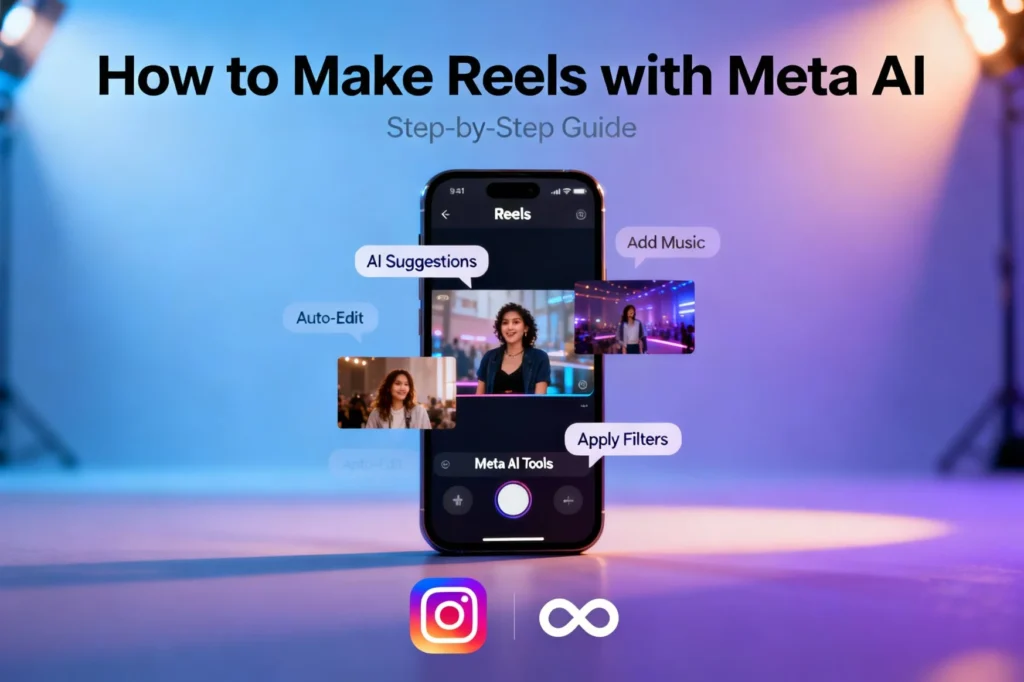
Before creating your first Reel with Meta AI, you need to know where to find it. Fortunately, Meta made this step extremely simple.
Step 1: Open Instagram
Start by opening the Instagram app on your phone.
Step 2: Go to the Messaging Section
Look at the top right corner of your home screen. You’ll see the DM (Direct Messages) icon. Tap on it to open your chats.
Step 3: Search for Meta AI
In the DM search bar, type “Meta AI” or “@MetaAI.”
Instagram will immediately show the official Meta AI chat.
Step 4: Start Typing
Once you open the chat, you can ask Meta AI any question related to Instagram Reels. The AI responds quickly and gives actionable advice.
That’s it—you’re ready to use Meta AI to create content effortlessly.
How to Create Instagram Reels Using Meta AI (Step-by-Step Guide)
Now that you understand why Meta AI is helpful, let’s break down the process of creating Instagram Reels using Meta AI. These steps cover everything from ideas to final upload.
Step 1: Ask Meta AI for Reel Ideas
This is the most exciting part because you don’t need to stare at your screen thinking “What should I make today?”
Simply message Meta AI:
“Give me Instagram Reels ideas about (your topic).”
You can add your niche or theme, such as:
- fitness
- cooking
- makeup
- tech reviews
- motivation
- business tips
- gaming
- travel
- skincare
- education
Meta AI gives multiple ideas at once, which means you can choose the ones you like. If the ideas don’t feel right, ask:
“Give me 10 more Instagram Reels ideas.”
Meta AI will immediately provide new ones.
Step 2: Ask Meta AI to Write a Script
Once you have an idea, the next step is scripting. Scripts help your Reel stay clear, quick, and engaging.
Type:
“Write a 10-second script for an Instagram Reel on this idea.”
Or:
“Make a 30-second storytelling script for Instagram Reels.”
Meta AI includes:
- a strong hook
- clear instructions
- on-screen text
- camera movement suggestions
- call-to-action lines
Because Instagram Reels need punchy content, these scripts are short and effective.
Step 3: Ask Meta AI for Captions and Hashtags
Great captions help your Reels reach more people. Instead of typing random lines, ask Meta AI:
- “Write a catchy caption for my Instagram Reel.”
- “Give me engaging hashtags for this Reel.”
- “Make a longer caption for storytelling.”
Meta AI already understands the tone of Instagram content, so the captions feel natural. It also includes relevant hashtags, which improves discoverability and boosts chances of reaching the Explore page.
Step 4: Record Your Reel Using Instagram’s Camera
With your ideas and script ready, it’s time to record.
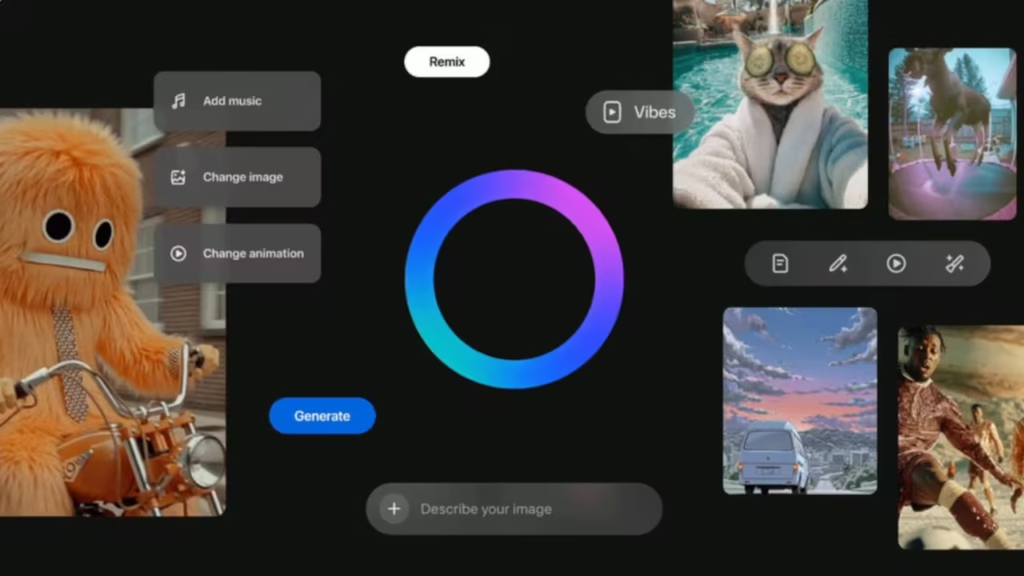
Open Instagram → Tap the “+” button → Choose Reel.
Select your recording duration:
- 15 seconds
- 30 seconds
- 60 seconds
- 90 seconds
Follow the script Meta AI gave you. You can even keep the chat open while recording to refer to the directions.
Because Instagram has upgraded its camera system, you get better stabilization, cleaner audio pickup, and smoother transitions even without editing apps.
Step 5: Edit Your Instagram Reel (No Extra Apps Needed)
Many people don’t know that Instagram’s editing tools have become powerful enough to replace most editing apps. Here’s what you can do:
Cut and Trim Clips
You can adjust clip length easily.
Add Text
Instagram lets you add animated text, subtitles, and highlighted words.
Use Templates
Meta keeps adding thousands of templates you can use instantly. Just upload clips and Instagram auto-syncs them.
Add Effects
You can add filters, glow effects, transitions, and color adjustments.
Use Music Sync
Instagram’s music library is huge. You can align your clips with beats automatically.
Record Voiceovers
If your script involves speaking, simply record a voiceover after editing.
Add Stickers
You can add location tags, questions, GIFs, and creative stickers.
Since everything is in one place, this makes the creation flow smooth and stress-free.
Step 6: Improve Your Reel Using Meta AI Suggestions
After editing, you can go back to Meta AI and ask:
- “How can I improve this Reel?”
- “Give suggestions for making this content more engaging.”
- “Suggest a better hook for my Instagram Reel.”
- “Give me alternative captions.”
Meta AI will help refine your content, making it more polished and attractive.
Step 7: Post Your Reel at the Best Time
Meta AI also helps with scheduling. You can ask:
“When should I post my Instagram Reel for maximum engagement?”
Meta AI checks typical activity patterns and gives you time windows. Posting at the right time ensures your content reaches more people.
Advanced Ways to Use Meta AI for Instagram Reels
Once you understand the basics, you can dive deeper into advanced techniques that make your Instagram Reels stand out more effectively.
1. Use AI to Generate Full Storytelling Scripts
You can say:
“Create a storytelling-style script for Instagram Reels.”
Meta AI will deliver:
- hook
- middle section
- climax
- ending line
- CTA
This helps you produce Reels that feel more emotionally engaging.
2. Ask Meta AI for Voiceover Scripts
Voiceovers make Instagram Reels more personal. You can ask:
“Write a calming voiceover script for an aesthetic Reel.”
Or:
“Create a motivational voiceover for this idea.”
AI generates short, powerful lines that fit the mood perfectly.
3. Use AI for Weekly and Monthly Content Planning
If you want consistency, ask Meta:
“Make a 7-day content plan for Instagram Reels.”
Or:
“Give a 30-day Instagram content calendar.”
Meta AI includes topics, scripts, and hooks for every day.
4. Use AI to Analyze What Works in Your Niche
You can ask:
“What Reels perform well in my niche right now?”
Meta AI gives data-based suggestions, making your content more competitive.
5. Use AI to Improve Your Reels Before Posting
Before uploading, ask:
“Rewrite my caption to make it more engaging.”
“Make my script more emotional.”
Meta AI updates everything instantly.
Tips to Make Your Instagram Reels Go Viral with Meta AI
Using Meta AI gets you halfway there, but these practical tips help boost your reach:
1. Start with a Strong Hook
People scroll fast, so grab attention in the first three seconds.
2. Use Trending Music
Instagram Reels push trending audio higher.
3. Keep It Short
Shorter Reels perform better.
4. Add Subtitles
Most people watch with sound off.
5. Maintain a Posting Consistency
Meta AI can help you create a schedule.
6. Use Good Lighting
Even natural light works well.
7. Tell Mini Stories
Story-based content makes viewers stay longer.
8. Add a CTA
Encourage viewers to share, comment, or save.
Frequently Asked Questions
1. Is Meta AI free?
Yes, Meta AI is completely free.
2. Can Meta AI edit videos?
Not directly, but it gives editing instructions you can follow on Instagram.
3. Do I need editing apps after using AI?
No. Instagram’s editor is now strong enough for most creators.
4. Does Meta AI help grow my account?
It helps improve your content quality, which improves reach.
5. Can beginners create content using Meta AI?
Absolutely. Meta designed it to assist beginners.
Final Thoughts: Meta AI Makes Instagram Reels Much Easier
Creating Instagram Reels using Meta AI is one of the smartest ways to produce content today. You no longer need multiple apps, complicated tools, or hours of planning. With Meta AI, everything—from idea generation to scriptwriting to captions—happens within minutes. Since Instagram belongs to Meta, the AI suggestions match the platform’s style naturally.
Whether you’re a beginner or an experienced creator, Meta AI saves time, boosts creativity, and removes stress from content creation. And because Instagram keeps growing rapidly, using Meta AI now gives you a big advantage in staying ahead.
If you’re ready to create Reels effortlessly, Meta AI is the perfect tool to start with. Just open the chat, ask for ideas, follow the steps, and publish confidently.










Leave a Comment